
Adding, Editing, Deleting a Company
Learn step-by-step how to add a new company, send an onboarding invitation, add contact details, and assign it to a fund within your portfolio.
How to add, edit and delete a company
How Onboarding and Invites Work
Onboarding: If toggle is switched on, the company will go through an onboarding flow that may include completing payments, submitting baseline KPI metrics, and connecting supported accounting software.
Invite to Platform: If selected, the investee will receive an email from PortF with a login link, allowing them to access the platform directly and skip onboarding steps.
For new investments, select Yes for both onboarding and invite.
For existing or test records, select No for both to skip communication and setup steps.
What Will My Investee Receive?
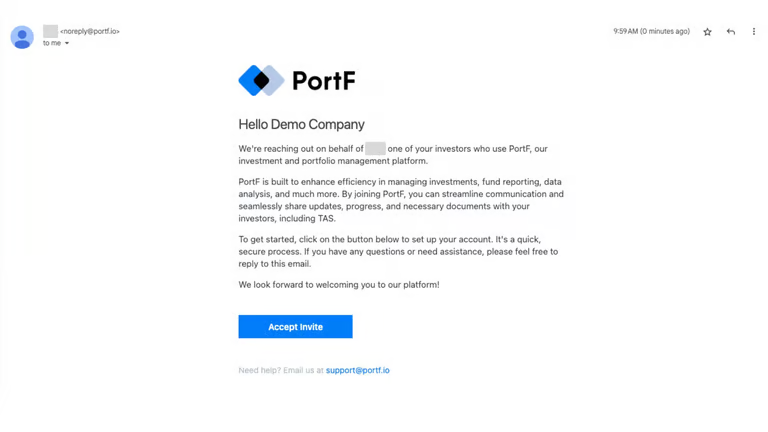
The investee will receive an invitation email from PortF.
When they click Accept Invite, they'll be taken to a secure login screen. No password required (SSO or Magic Link will apply).
Once logged in, they'll enter a customised onboarding journey tailored to your fund's preferences.